Introduction to Microcontrollers
Learn the basics of microcontrolling and programming using an ESP32 and Arduino IDE.
Mon 6:00 – 8:00 PM Thu 6:00 – 8:00 PM
Peer-led hands-on technical training
Our Technical Workshop series gives members hands-on, industry-certified training in the enterprise EDA tools engineers use every day. Sessions cover every EE track: power, RF, embedded, and security. We pair each tool with the practical do’s and don’ts of the field, so members build real workflow habits, not just tool familiarity. Everyone who takes part leaves with concrete, marketable skills ready to apply on day one.
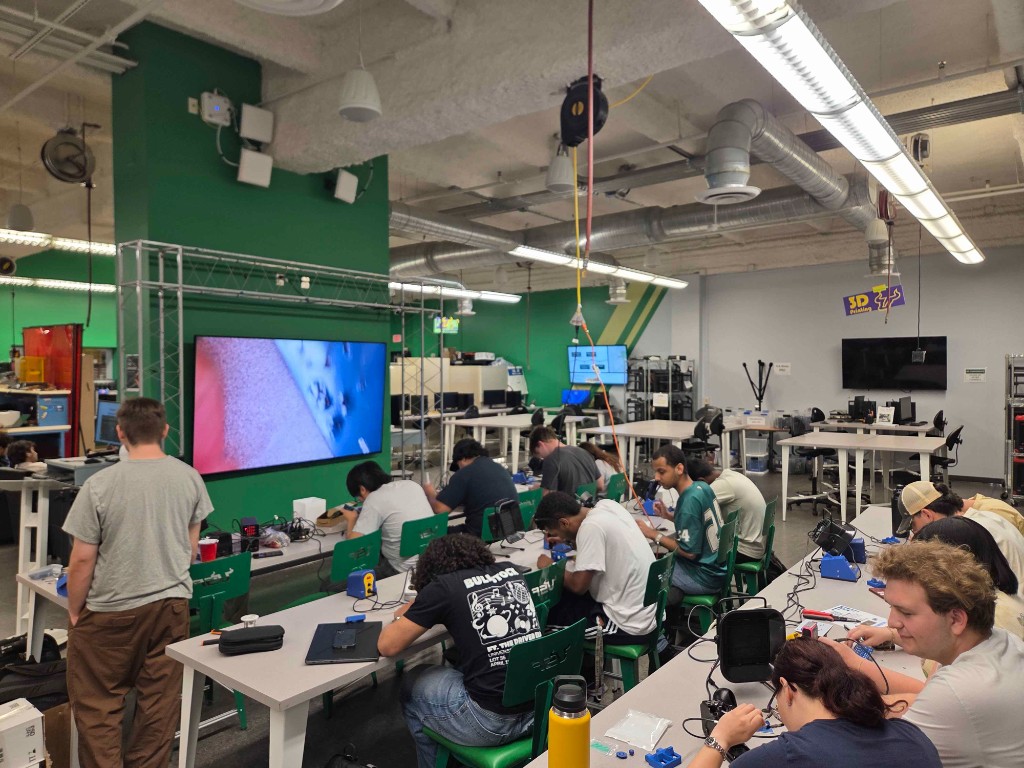
Provide one technical workshop for our core-four engineering skills and one for every track in the Electrical Engineering department at USF.
These workshops introduce key skills that every electrical engineering student can benefit from.
Learn the basics of microcontrolling and programming using an ESP32 and Arduino IDE.
Learn how to measure components, create 3D models of objects, and apply general rules for 3D-printing components for electrical engineering projects.
Learn the basics of soldering, including wire-to-wire, wire-to-pad, through-hole (THT), and SMD soldering.
Workshop series provided by Altium
Cover basic concepts of PCB design, mastering the fundamentals, component library creation and management, and high-speed PCB design.
Beyond the core four, workshops map to every Electrical Engineering track at USF so members can build skills aligned with their academic path.
Introduction to the fundamental concepts behind pulse oximetry, coding using a pulse ox sensor, implementations, and use cases.
Using QPSK, create a full TX–RX link and encode your own message. Introduction to encoding binary data into a signal and basic signal processing techniques.
Learn the basics of power systems analysis through one-line diagrams, varying loads, voltage drop analysis, short circuit analysis, protective equipment, and an overview of arc flash analysis.
Model a mechatronic arm digital twin in MATLAB. Use encoders to map movement one-to-one, apply PID control, and compare real-life response to the digital twin.
Understand load-line fundamentals, quiescent points, bias tees, transconductance, output resistance, voltage gain, input and output impedance, decoupling and bypass capacitors, and device sizing and bias tradeoffs.
Create a Virtuoso library using a CMOS PDK. Explore how device sizing tunes amplifier characteristics, perform transient analysis, and organize plots (C vs. V, CW I–V, loop gain, PM, GM, and more).
Learn about impedance matching networks and design a single-stub matching network in ADS schematic. Explore S-parameter simulation, microstrip layout, and EM Momentum simulation.
Learn the basics of planar antenna design, including substrate geometry, excitation, boundaries, meshing, and convergence.
Learn the basics of biasing for noise figure, simultaneous matching, optimal source impedance, stability, and layout.
Learn about filter functions, filter coefficients, LPP filter design, and stopband and passband attenuation. Use filter tools efficiently and understand schematic vs. layout differences in filter design.
Meow is a very easy Linux machine that guides players through setting up their attacking machines, connecting to HTB labs via VPN, and demonstrating the strategy for completing them.
Every session is built around the enterprise software engineers use on the job, so members leave with experience in the same tools they will see in internships and industry.


Building, collaborating, and testing personal projects
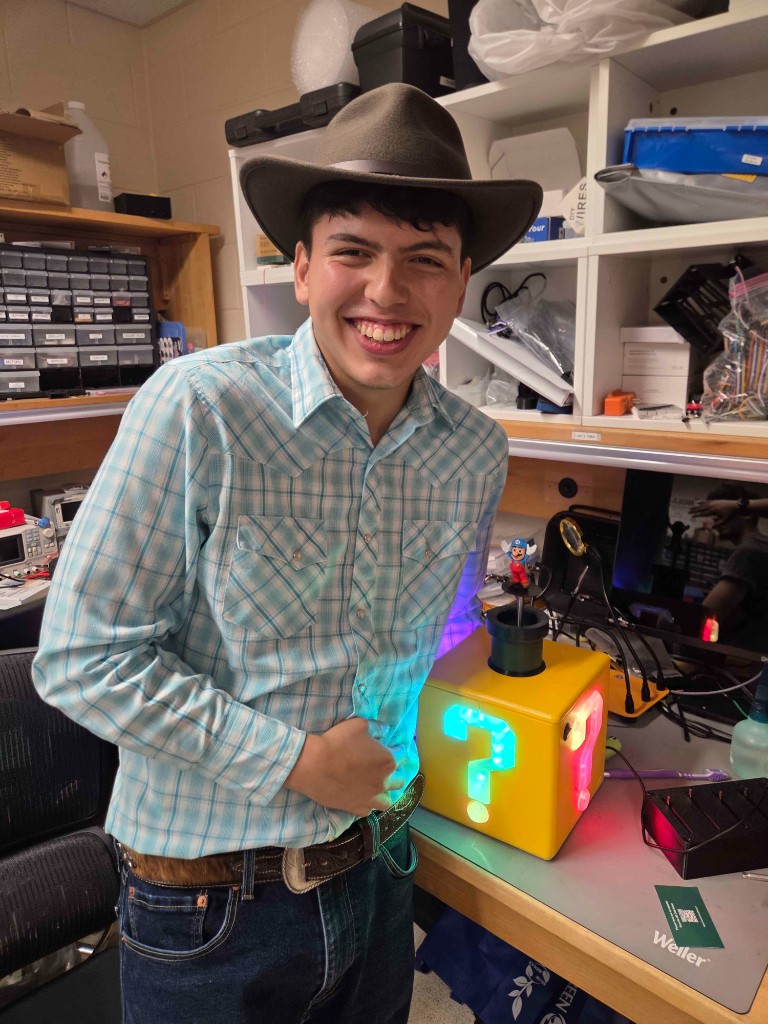
A collaborative space where members turn ideas into finished projects. With tools, equipment, mentorship, and funding, they get support at every stage—from concept and prototyping to PCB design, enclosures, testing, and assembly.
Whether pursuing personal projects, academic work, or competition designs, Lab Sessions help members apply skills from the Technical Workshop series while gaining practical experience in the complete engineering design process. Completed projects are showcased at the annual USF Engineering Expo in front of industry professionals, faculty, and fellow students.
Location: IEEE Lab — ENG 208
When: Tuesdays and Thursdays from 5:30 pm to 7:30 pm
Note: On days with a large-scale workshop, there is no Lab Session.
Students must complete required Lab Safety Courses and a quick competency check for specific equipment. If you are new, training and guidance will be provided.
Email: workshops@ieeeusf.com
Discord: